Your whole catalogue, marketplace-ready in one run.
Turn phone shots into white-background, lifestyle and ghost-mannequin photos, sized for Amazon, eBay, Shopify and social. Set the steps once, then run them on hundreds of products at a time.
Edit once. Apply it to every image.
Chain our AI tools into a reusable recipe — remove the background, crop to size, add a shadow, export for every marketplace — and run it on hundreds of images in one go.
Try Workflows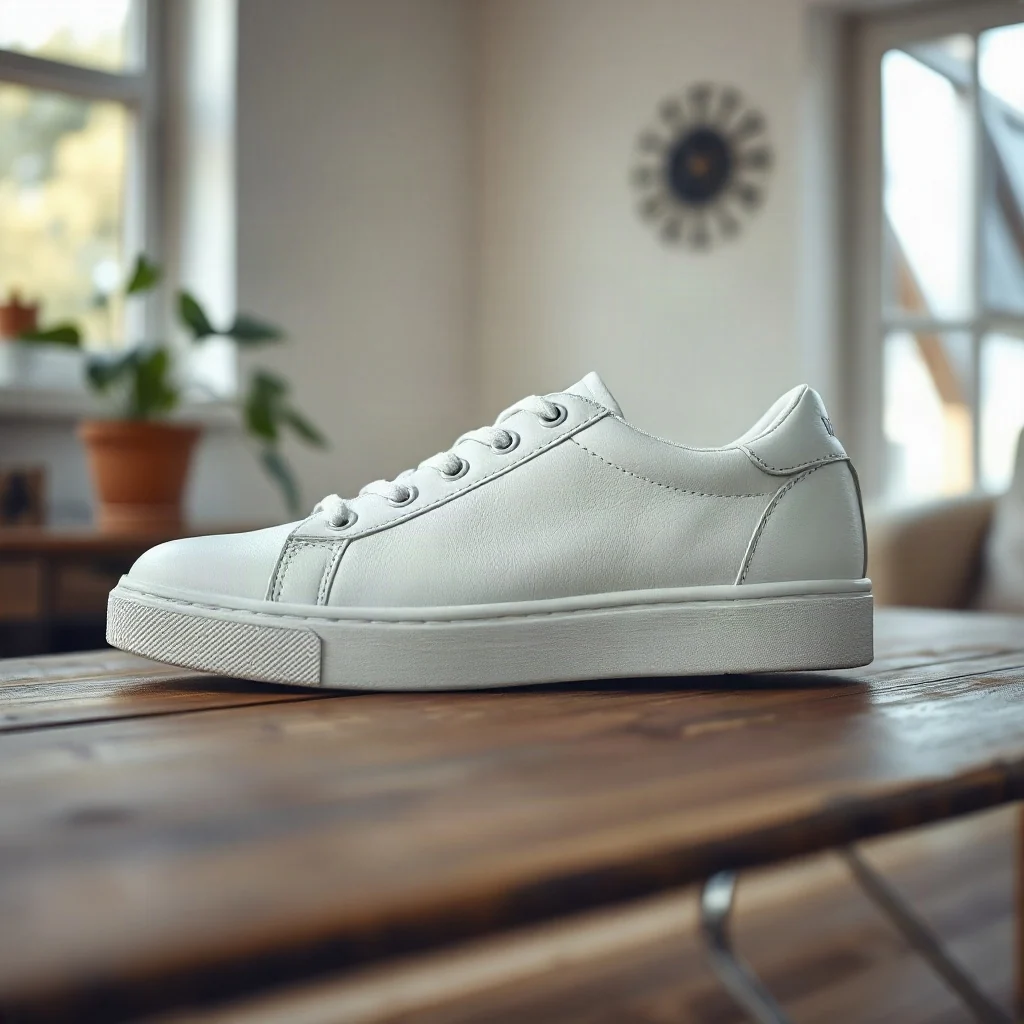
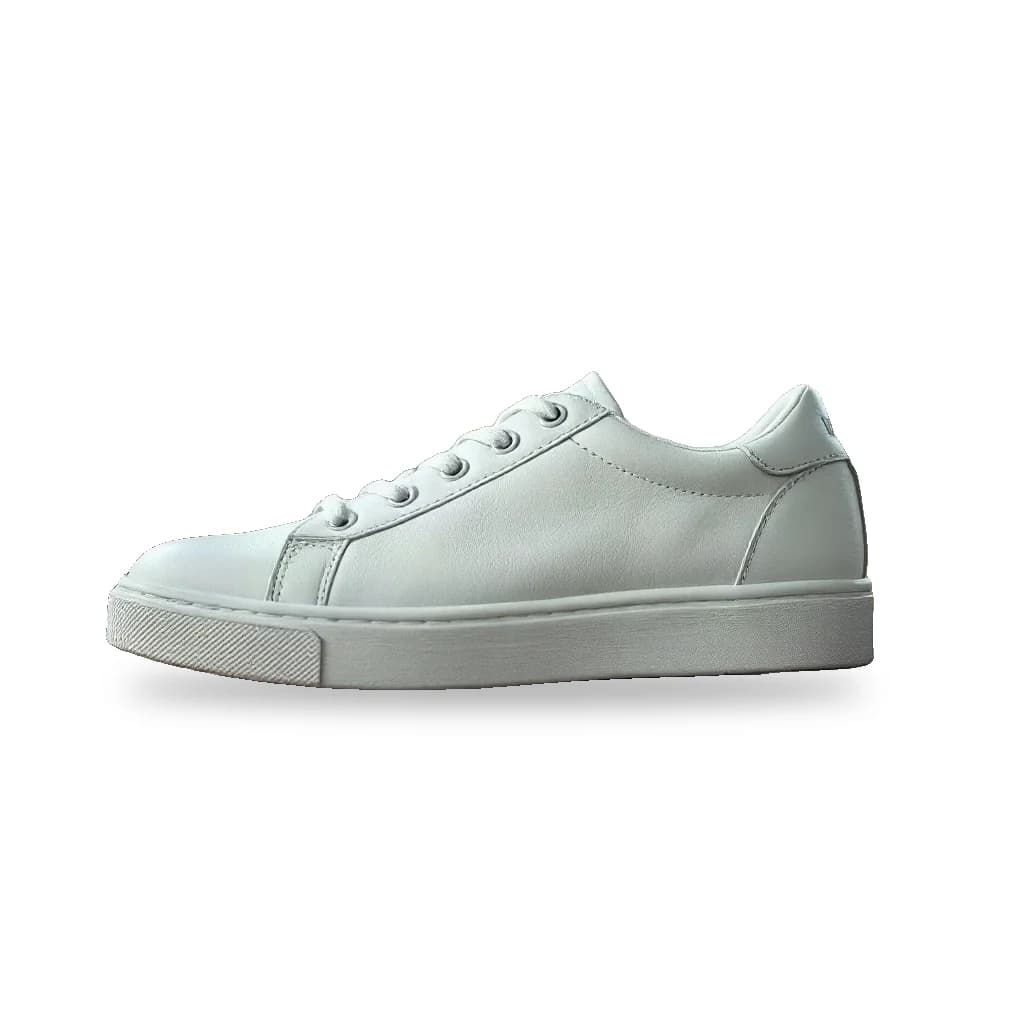
InputPhone photo
Save hours on repetitive tasks
Set up the steps once and let the whole batch run while you focus on other work.
Consistent quality, every time
Every image goes through the same steps and settings, so your whole catalog looks like one photo shoot.
From one image to thousands
Upload a folder of photos and download finished, ready-to-publish files in bulk.
Stay in control
Add a review step to approve or redo results before credits are spent on the next steps.
A catalogue that looks like one photo shoot
Every product gets the same background, shadow and size, whoever took the photo.
- BeforeAfter01
Pure white background
A clean cut-out on pure white with a soft shadow: the main image marketplaces ask for.
Try it  BeforeAfter02
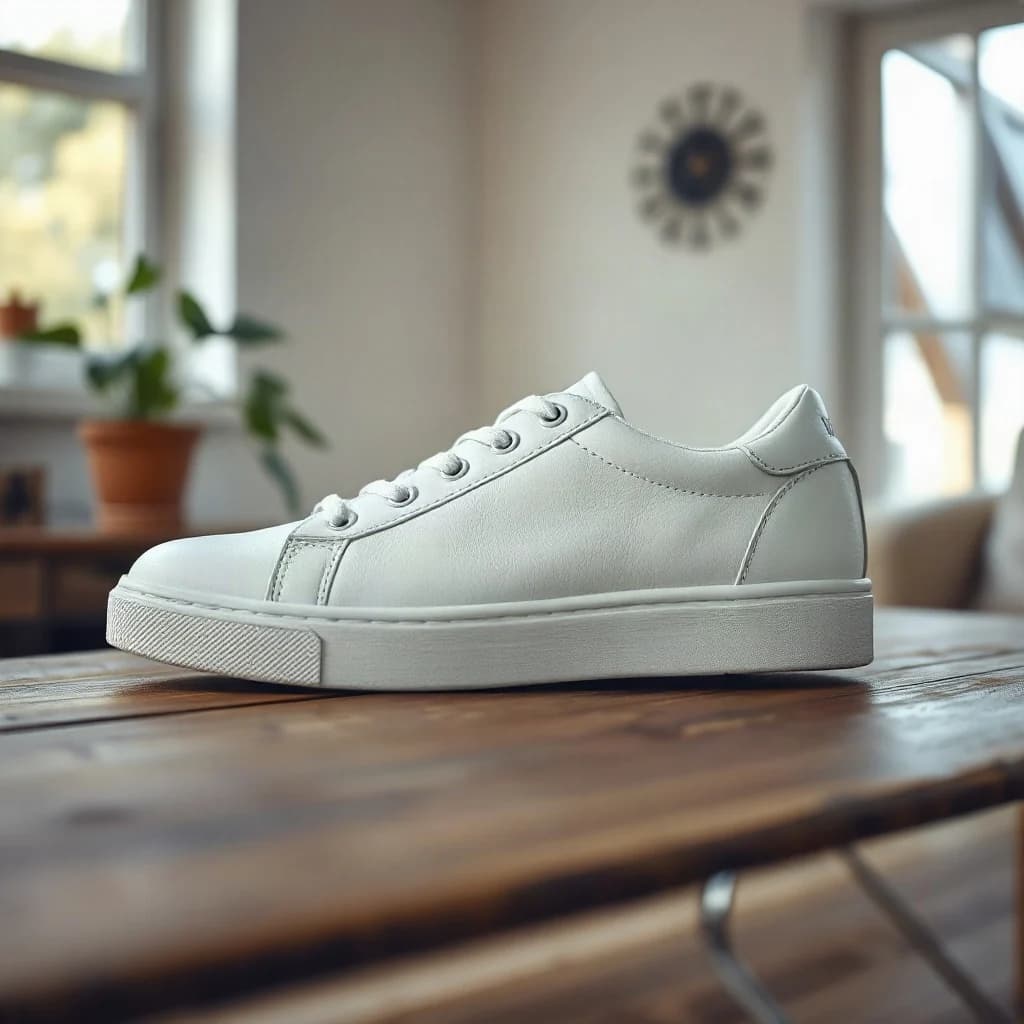
Lifestyle scenes
Put the product in a styled scene for ads and social posts, without booking a set. The product itself stays unchanged.
Try it BeforeAfter
 03
03Ghost mannequin
Remove the mannequin from clothing photos so the garment keeps its shape, as if worn by an invisible model.
Try it BeforeAfter
 04
04Rescue supplier photos
Make small, soft or compressed supplier images sharp enough for zoom and large product pages.
Try it
The right size for every channel, from one upload
- 2000 × 2000Amazon main image
- 1600 × 1600eBay
- 2048 × 2048Shopify product
- 1080 × 1350Instagram post 4:5
Ready-made workflows for online stores
Start from a template, change any step and run it on your whole catalogue.
- Listing pack for every channel
- Remove background
- Review
- Floor shadow
- Amazon, eBay, Shopify, Instagram
- Ghost mannequin
- Mannequin shot
- AI edit: hollow garment
- Remove background
- White square
- Supplier image rescue
- Upscale 2×
- Remove background
- 2000 px white square
- JPG
The same workflows, for other industries
The same tools and batch runs, set up for the photos other trades publish.
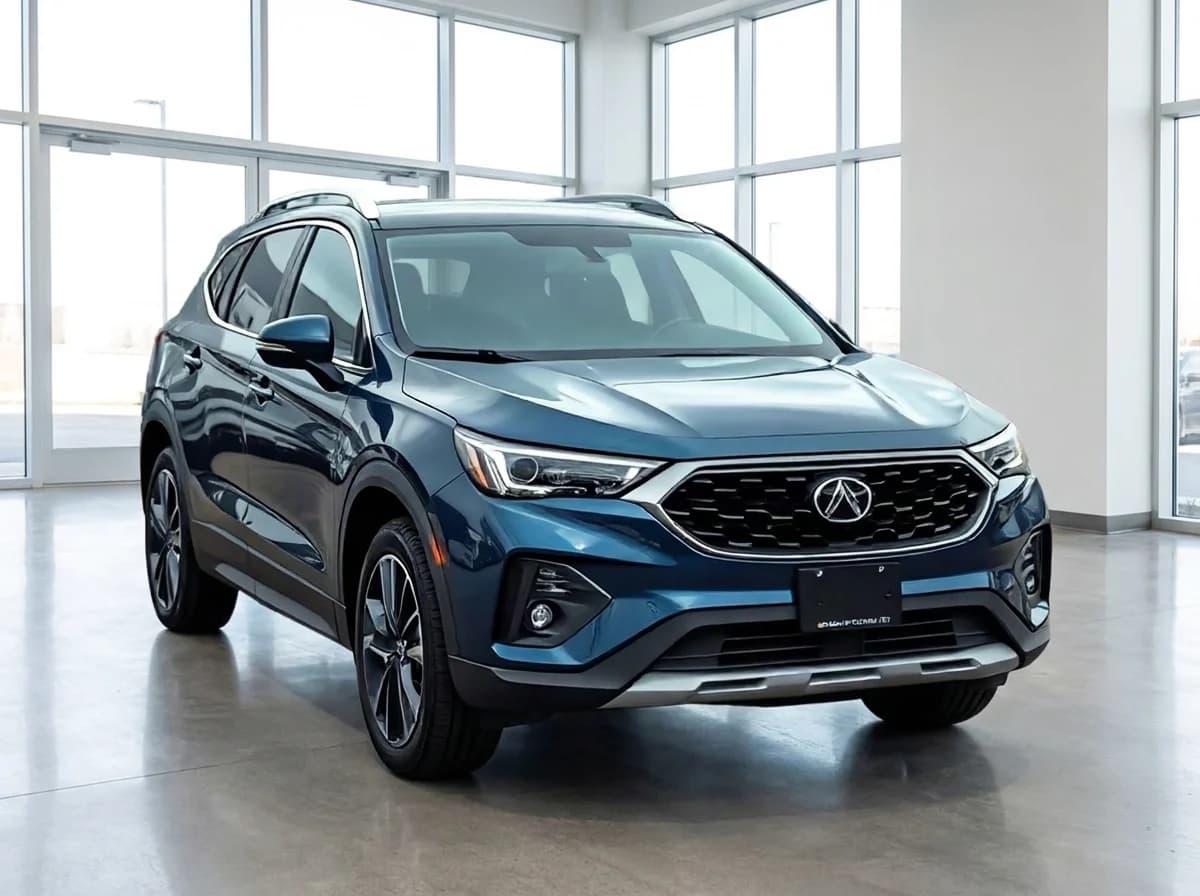
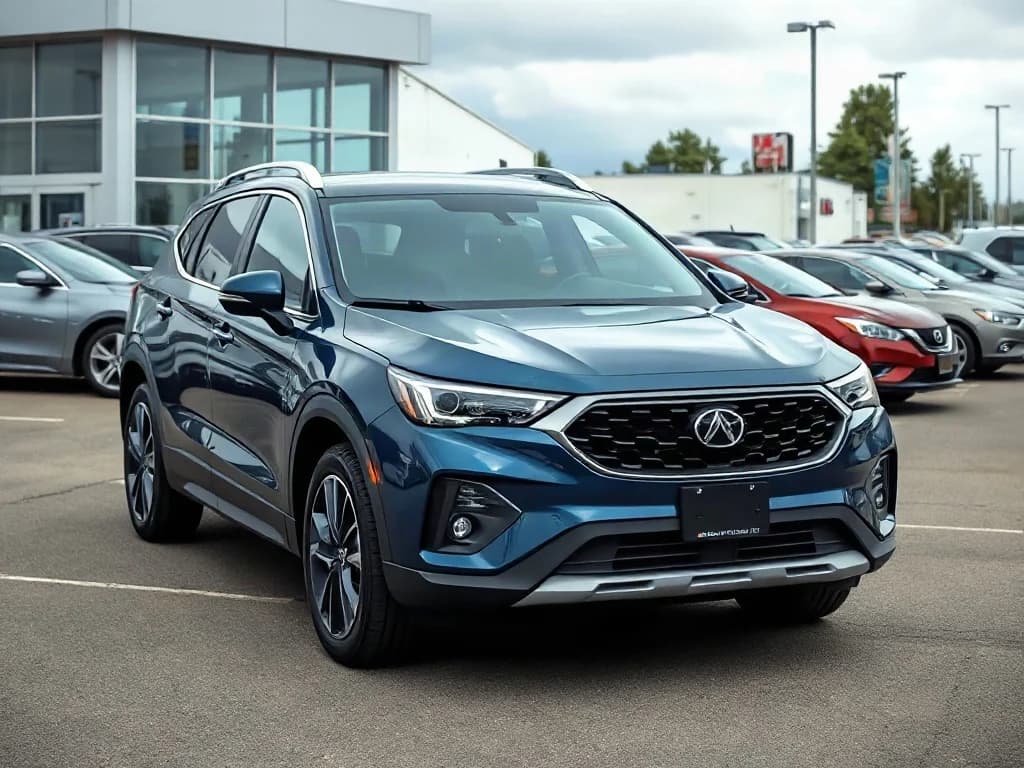
- Automotive
Every car on your lot, in the same showroom.
For dealers, rental companies and marketplaces.
- Showroom and white studio backgrounds
- Number plates hidden or branded
- Reflection and glare clean-up
- Matching photos across your whole inventory
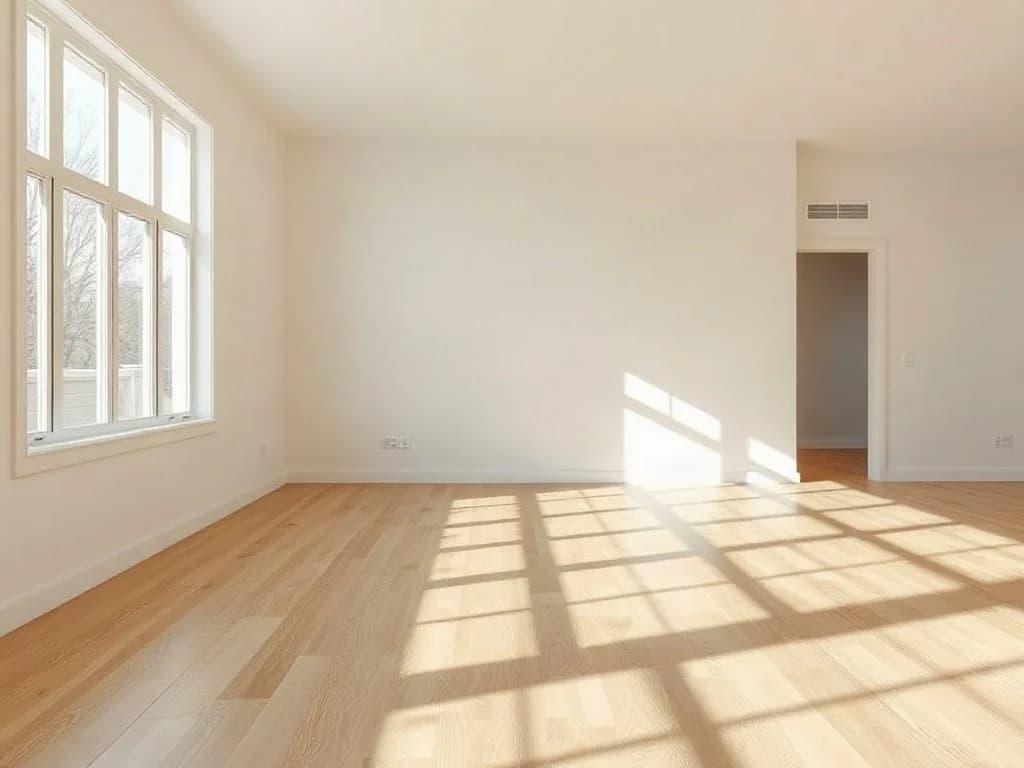
- Real estate
Listing photos that sell the home, not the mess.
For agents, photographers and portals.
- Virtual staging of empty rooms
- Day-to-twilight exteriors
- Declutter and remove objects
- Hide addresses for private listings
- Print
Customer files, fixed for print.
For print shops, sign makers and merch producers.
- Logos to SVG, EPS, PDF and DXF vectors
- Upscale low-res artwork up to 10×
- 300 DPI and RGB to CMYK
- Bleed and crop marks



Process every new product the moment it's uploaded
Connect your store, PIM or supplier feed and cut out, upscale and convert product photos automatically, with a few lines of code.
Cut-outs on demand
Send a product photo and get back a transparent PNG, ready for white backgrounds and marketplace images.
Lifestyle scenes too
AI edits put products into new scenes; upscaling, image extension and format conversion use the same API key.
Your keys, working examples
Create API keys in your dashboard and copy ready-to-run code for every endpoint.
const url = "https://api.bubbi.app/api/v2.0/ai-tools/background-remover"

const headers = new Headers();
headers.append("Authorization", "Bearer YOUR_API_KEY_HERE");

const formdata = new FormData();

formdata.append("file", "image.png");

const requestOptions = {
  method: 'POST',
  body: formdata,
  headers: headers,
};

fetch(url, requestOptions)
  .then(response => response.json())
  .then(result => console.log(result))
  .catch(error => console.log("error", error));
Frequently asked questions
Are the photos ready for Amazon's main image rules?
The white background step uses pure white (RGB 255, 255, 255) and the Amazon preset exports 2000 × 2000 px with the product filling the frame. Rules differ by category and change from time to time, so check the current requirements in Seller Central.
Will the product itself be changed?
Background removal and export presets don't touch the product. AI scenes are prompted to keep it unchanged, but AI can still make mistakes, so check results before you publish. In a workflow, a review step lets you redo any image before the next step runs.
Can I edit my whole catalogue at once?
Yes. Upload a folder of product photos to a workflow and every image goes through the same steps with the same settings. You download the finished files in one zip, named your way.
How does the ghost mannequin effect work?
Photograph the garment on a mannequin as usual. The ghost mannequin template removes the mannequin with an AI edit, keeps the garment's shape and the inside of the neckline, and puts it on white.
Which sizes can I export?
Presets include Amazon, eBay, Shopify, Instagram, Story and Reel, Pinterest, Facebook, X, LinkedIn and YouTube, and you can pick several at once.
Turn your next product drop into listings today
From phone photo to every marketplace size in one run.
Start for free